Mixtapes

The art of the mixtape. And the pleasure of a collection.

RSMP has a cassette shelf and a CD rack. Both are filled with music you already have, and both work the way the real things did.

Side A. Then side B.

Put a blank tape in deck A, choose what to record (the radio, a CD, AUX, or a tape playing in deck B) and press REC. It records in real time, so you hear every track go down. REC PAUSE holds it while you find the next one.

Each side holds 45 minutes, like a C90. When side A is full, turn the tape over.

You can also put music files straight onto a tape if you’d rather not wait.
TAPES

  • C90A Summer ’89B Summer ’89 (cont.)No.1
  • C90A Road TripB Motorway SongsNo.2
  • C60A Late Night MixB Quiet OnesNo.3
  • C90A Indie ClassicsB More IndieNo.4
  • C90A Sunday AfternoonB Sunday EveningNo.5
  • C60A For SarahB For Sarah (side B)No.6
  • C90A Party TapeB Party Tape (later on)No.7
  • C90A Favourites Vol. 1B Favourites Vol. 2No.8
Illustrative mock-up Example tapes, drawn for this page in the style of the RSMP shelf. Not real recordings.

Write the label

Every tape has a title line for side A and one for side B. The title shows on the tape’s spine on the shelf, and in handwriting on the cassette label you see through the deck’s window. When you finish recording, RSMP asks you to name it.

Keep a shelf

Your tapes sit on a shelf beside the stack, numbered like the ones in the shoebox. Click on one to load it, or drag it onto a deck. Copy a whole tape from deck B to deck A at high speed, the way the double deck always could.

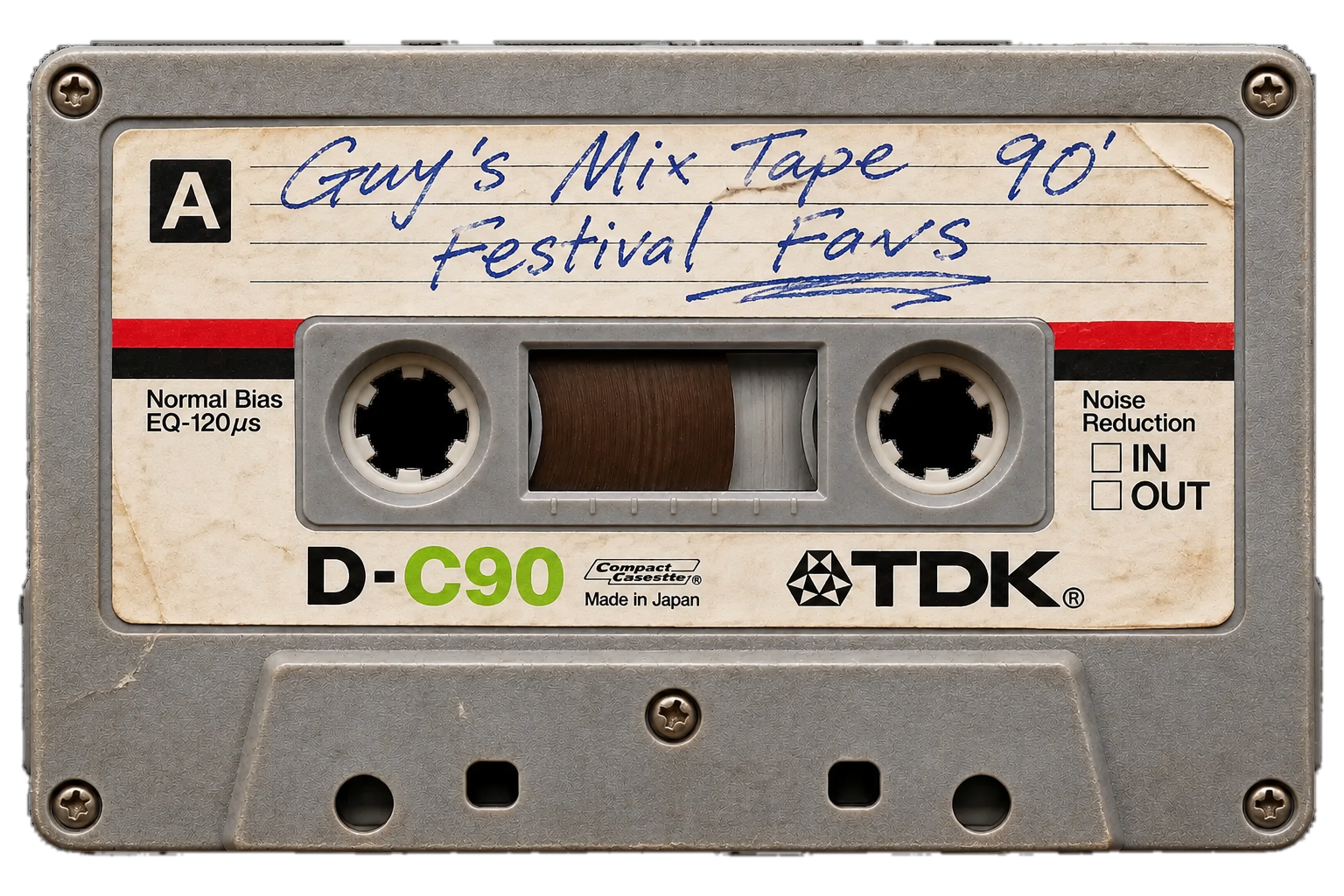
A worn TDK D-C90 cassette, side A labelled in blue biro: Guy’s Mix Tape 90’, Festival Favs

A CD rack, with the covers

Make a CD from an album’s music files and it joins your rack, with the artist, title and track list read from the files. Where the files have cover art, it’s on the front of the case. If not, RSMP prints a plain cover in the case’s colour, or you can drop in a picture and make your own.

Click a CD in the rack and its case opens: the cover, the disc sliding half out, and the tracks. Drag it onto the stack and the CD player’s tray opens to take it.

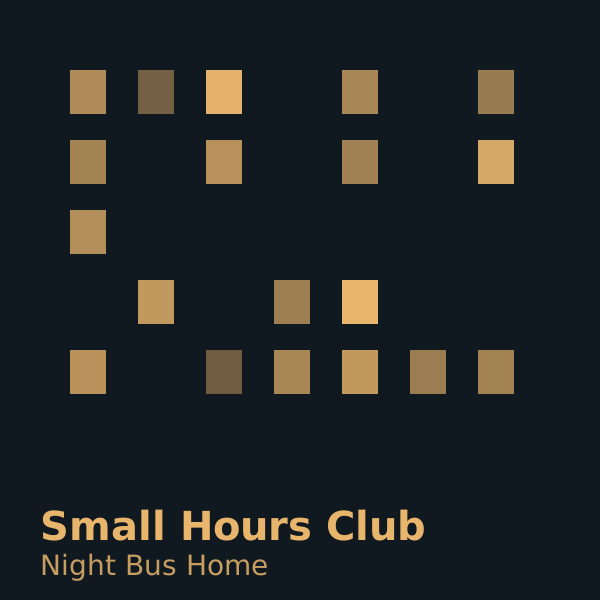
Example cover: Night Bus Home by Small Hours Club, a fictional album

CD No. 11 · 10 TRACKS · 42:18

Small Hours Club

Night Bus Home

  1. Last Orders
  2. Upper Deck
  3. Sodium Lights
  4. Request Stop

CDs

  • CD 01Kestrel AvenueSlow Weather
  • CD 02Marlow DriftTidelines
  • CD 03The CopperfieldsHalf-Term
  • CD 04Nova FenSignal Lamp
  • CD 05SaltmarshLow Countries
  • CD 06Juniper StaticMedium Wave
  • CD 07The Pembury SetBlue Hours
  • CD 08Ada ThistleBack Roads
  • CD 09Orchard RadioSecond Post
  • CD 10LarchmontWinter Grammar
  • CD 11Small Hours ClubNight Bus Home
  • CD 12Ferris & ValeCoastal Drive
Illustrative mock-up Fictional albums with original artwork made for this page. RSMP doesn’t supply music or covers: your CDs are made from music files you already have.

Keeping your collection safe

Your tapes and CDs are kept in your browser on your own computer. Nothing is uploaded. That does mean clearing your browsing data removes them, so use Export to save everything as one file you can keep, and Import to bring it back.

I’m looking at building a file that gets written to your hard drive to store your curated collections, so they don’t get lost if your browser data is removed.

An idea I’m exploring

Swapping tapes with friends

I’m working out how you could send a friend one of your mixtapes or CDs without sending any music: just the track list, the order and the label. Their player would look for the same tracks in their own collection and make the tape for them.

Not built yet, and it may change. What can sensibly and legally be shared, cover artwork for instance, still needs thinking through properly.

Want to make the first one?

I’m slowly inviting more people to try RSMP. Leave your email and I’ll let you know.